
PLAN IT. SEE IT. PEG IT.
Good projects
start with a
clear picture.
Measure your space. Calculate your materials. Place your layout on the ground. Keep the whole project connected, from the first idea to the work on site.
Preparing for App Store launch.
YOUR POCKET TOOLKIT
One app.
Every stage connected.
For home improvements, landscaping and the work you do for others.
Start with the space.
Lengths, areas and angles, with your measurements right in the camera view.
Explore Measure 02 / CALCULATEKnow what you need.
Practical calculations for materials, surfaces, spacing and cutting plans.
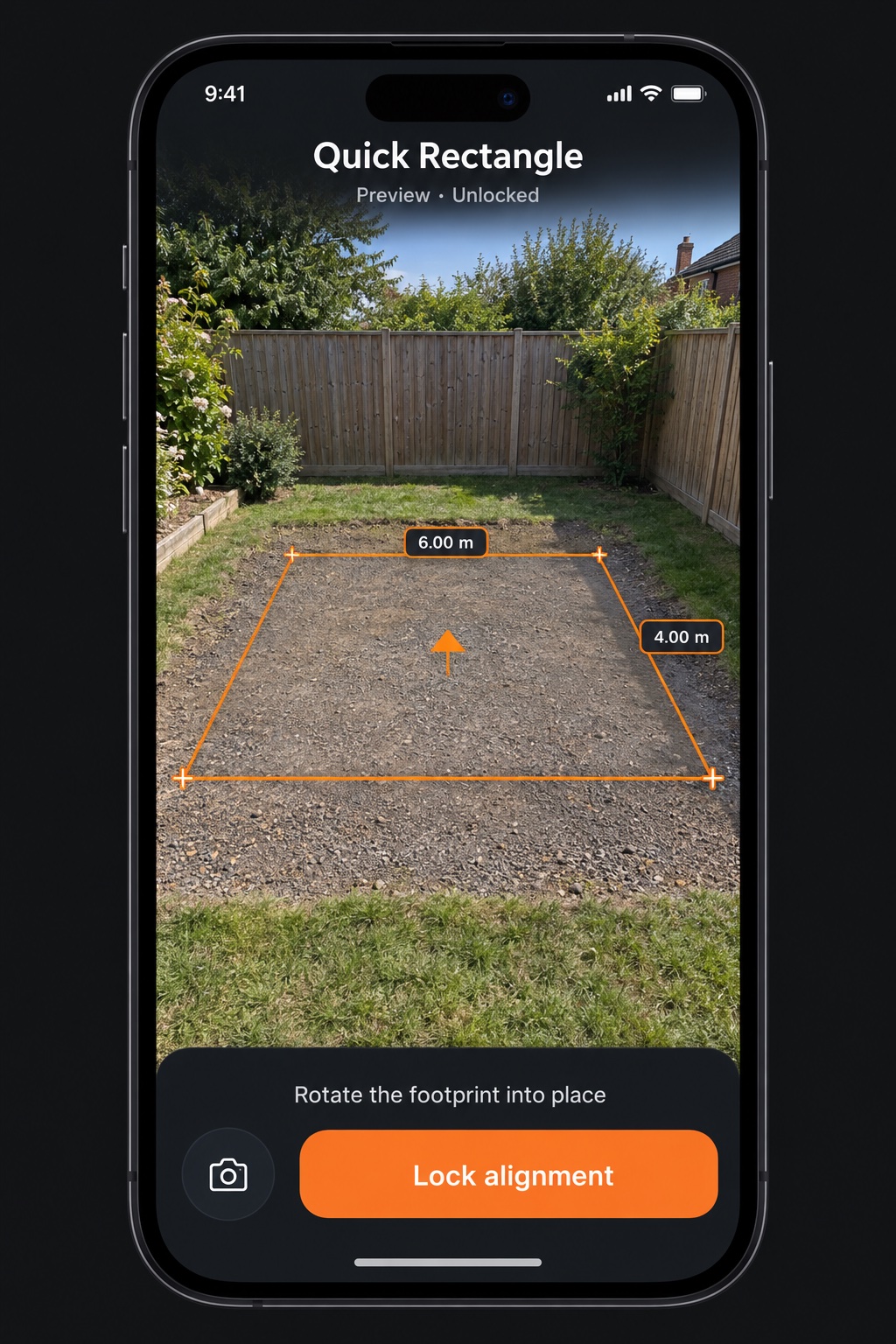
Explore Tools 03 / LAY OUTSee it in position.
Free quick shapes, with reusable templates, paths and patterns in Pro.
Explore Layout 04 / ORGANISEKeep the details.
Measurements, photos, plans and notes together in the project they belong to.
Explore Projects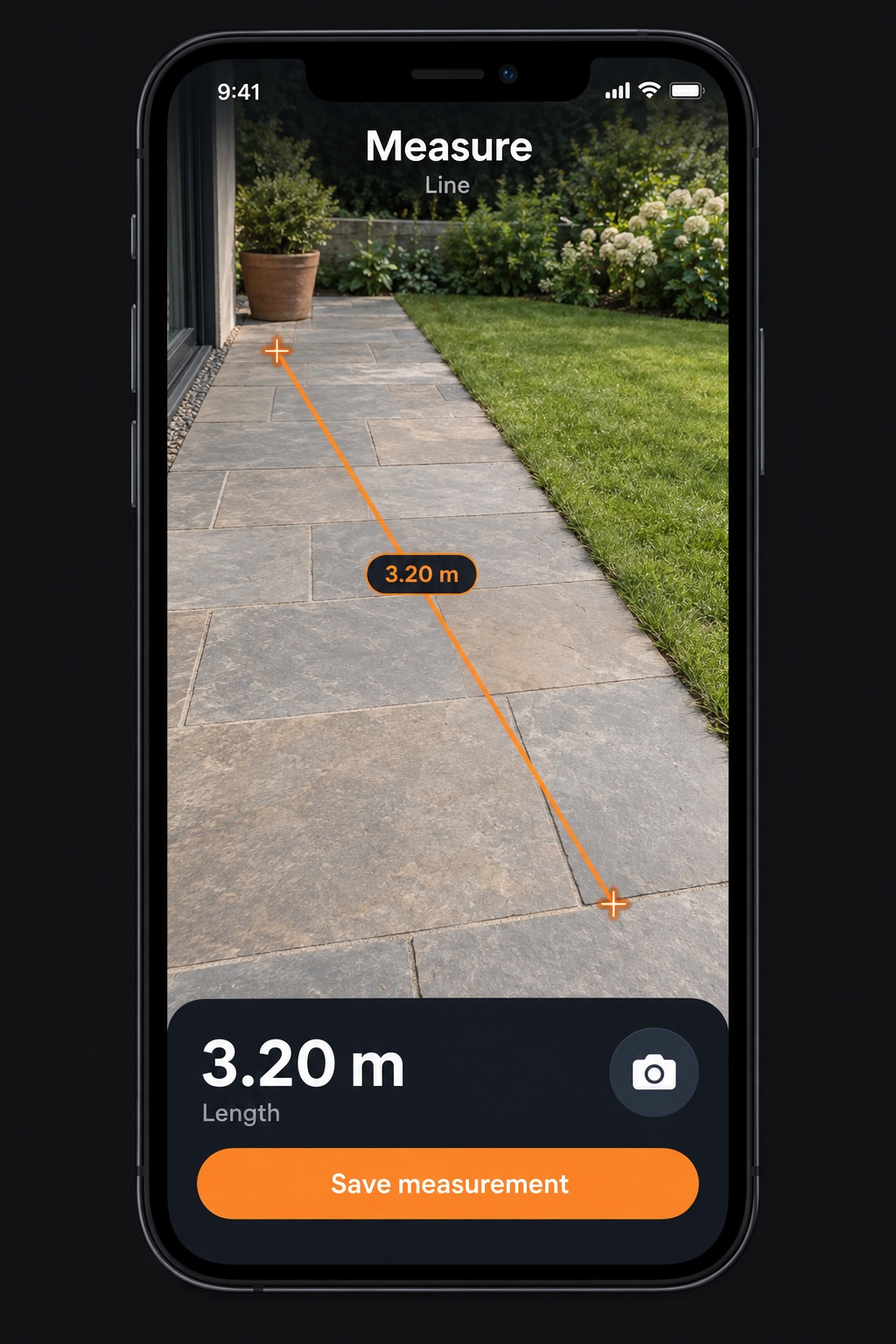
BEFORE THE FIRST CUT
Make room
for a better plan.
A garden path. A new patio. A pad to mark out. See how the layout fits, work through the quantities and keep your project details close to hand.
Start with the basicsFROM MEASUREMENT TO ACTION
See the space.
Plan the next step.
Bring dimensions, material calculations and on-site layouts into one workflow. Keep a visual record of the job, so the details are there when you need them.
For the best results, follow the measurement and alignment guide and check critical dimensions before work begins.
A little help goes a long way.
Get started with reference pins, improve tracking and make the most of your projects.