Ready for everyday jobs.
- Core line, area, perimeter and circle measurement
- Level
- Quick Rectangle, Circle, Line and Triangle
- Two project folders
 PEG IT.Built for iPhone
THE PEG IT TOOLKIT
Measure the space, work out the quantities and see your design in position. Keep the measurements, plans and project details together on your iPhone.
01 / MEASURE
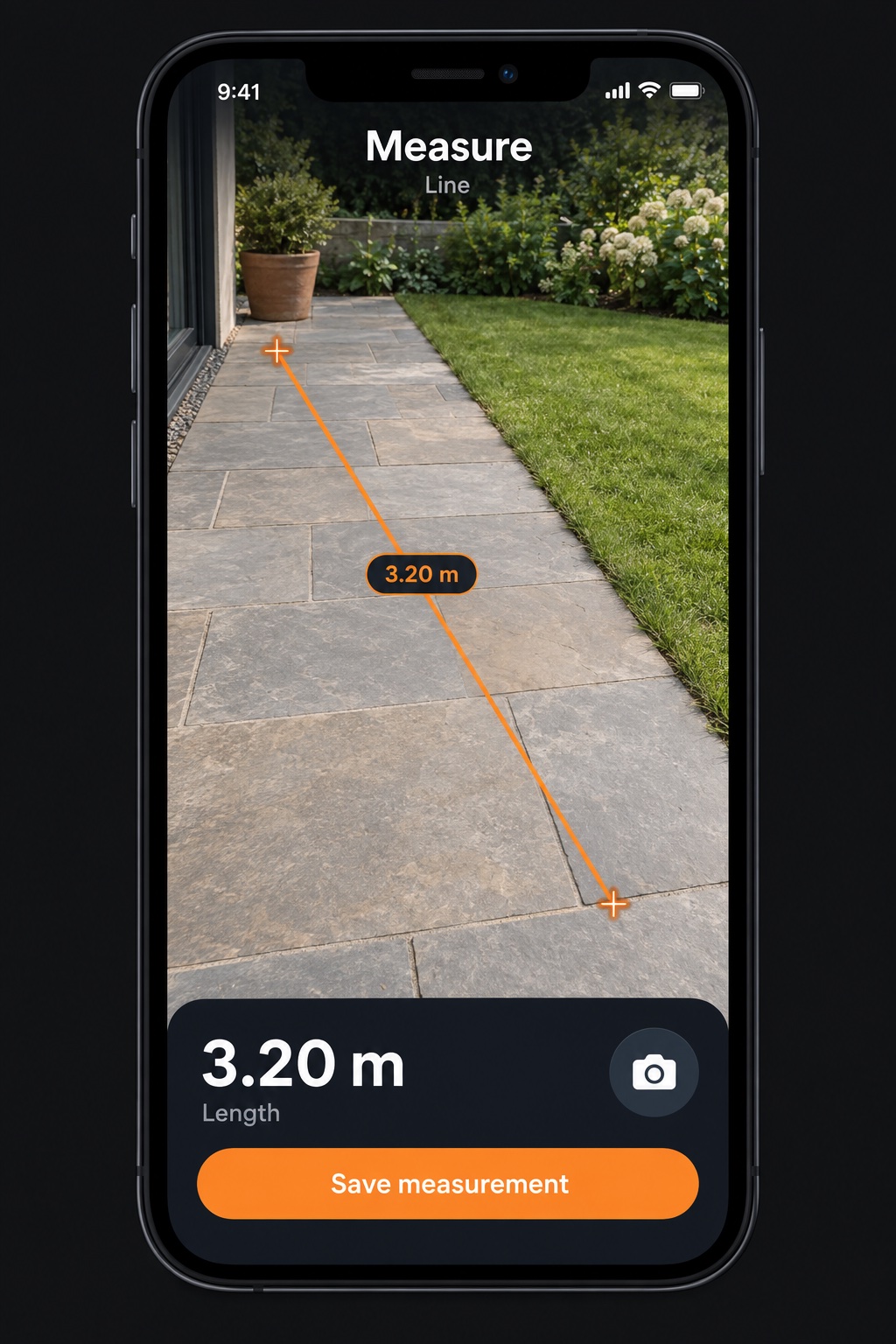
Place points in the camera view to measure lengths, areas, perimeters and circles. Switch units to suit the job and capture an image with the measurements visible.
02 / TOOLS
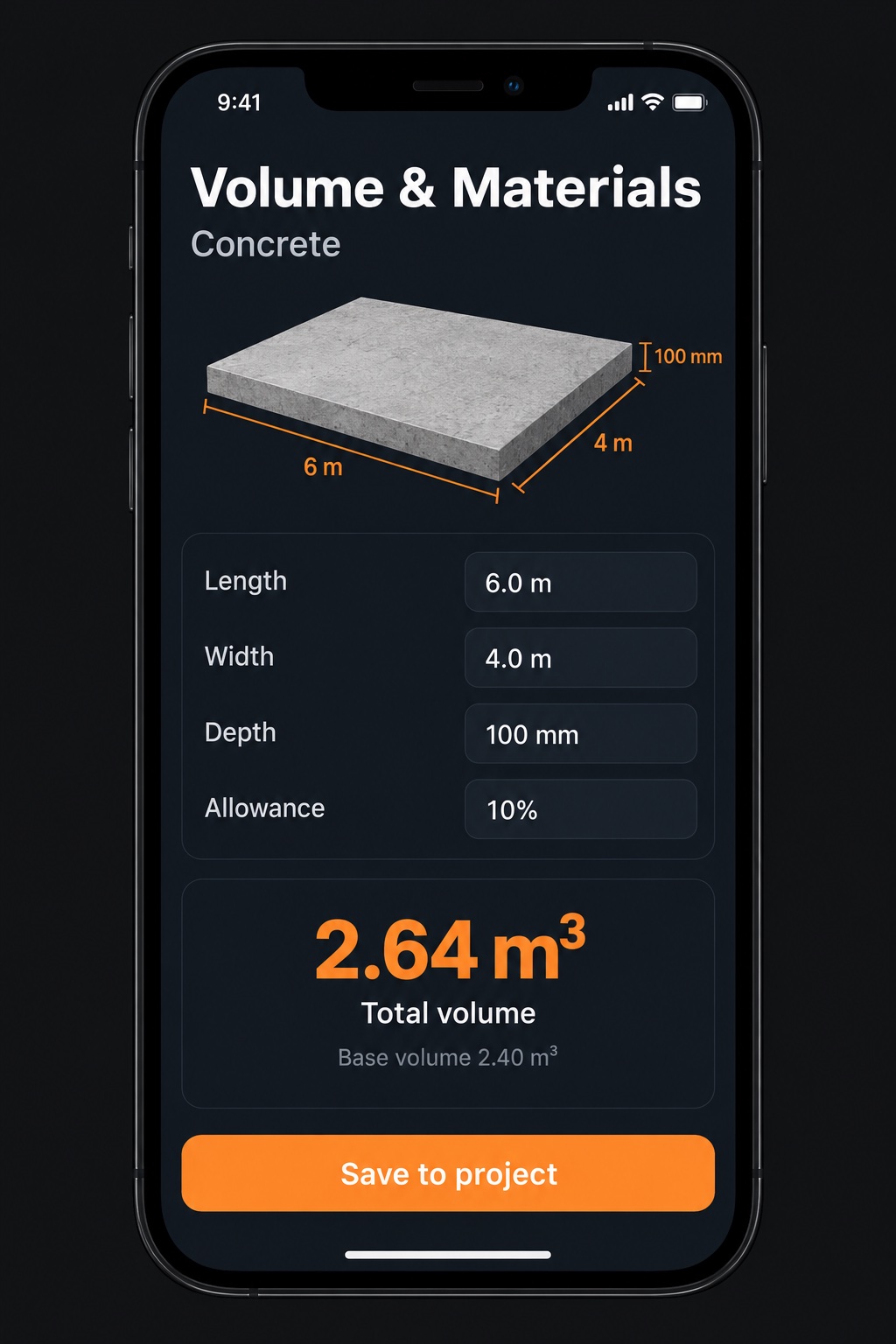
Turn dimensions into material quantities, surface areas, spacing and cutting plans. Related calculations stay together, with units you can change to suit the job.
Set the dimensions, quantities and allowances for your job. Check these against your site and supplier requirements before ordering.
03 / LAYOUT
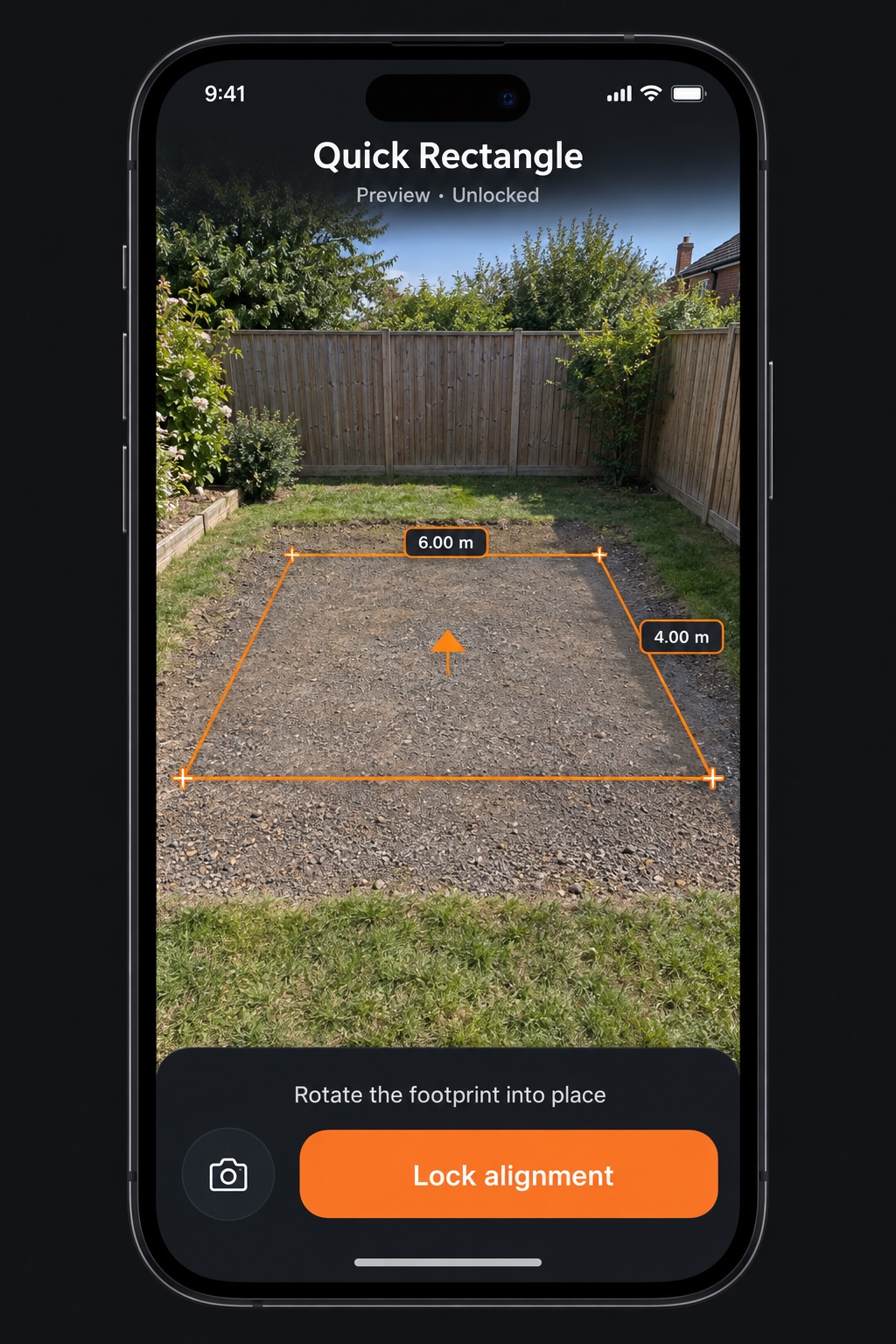
Start with a free quick shape, or build a reusable template with Pro. Set a reference, see the full footprint, adjust its direction and use the points to guide your physical marks.
04 / PROJECTS
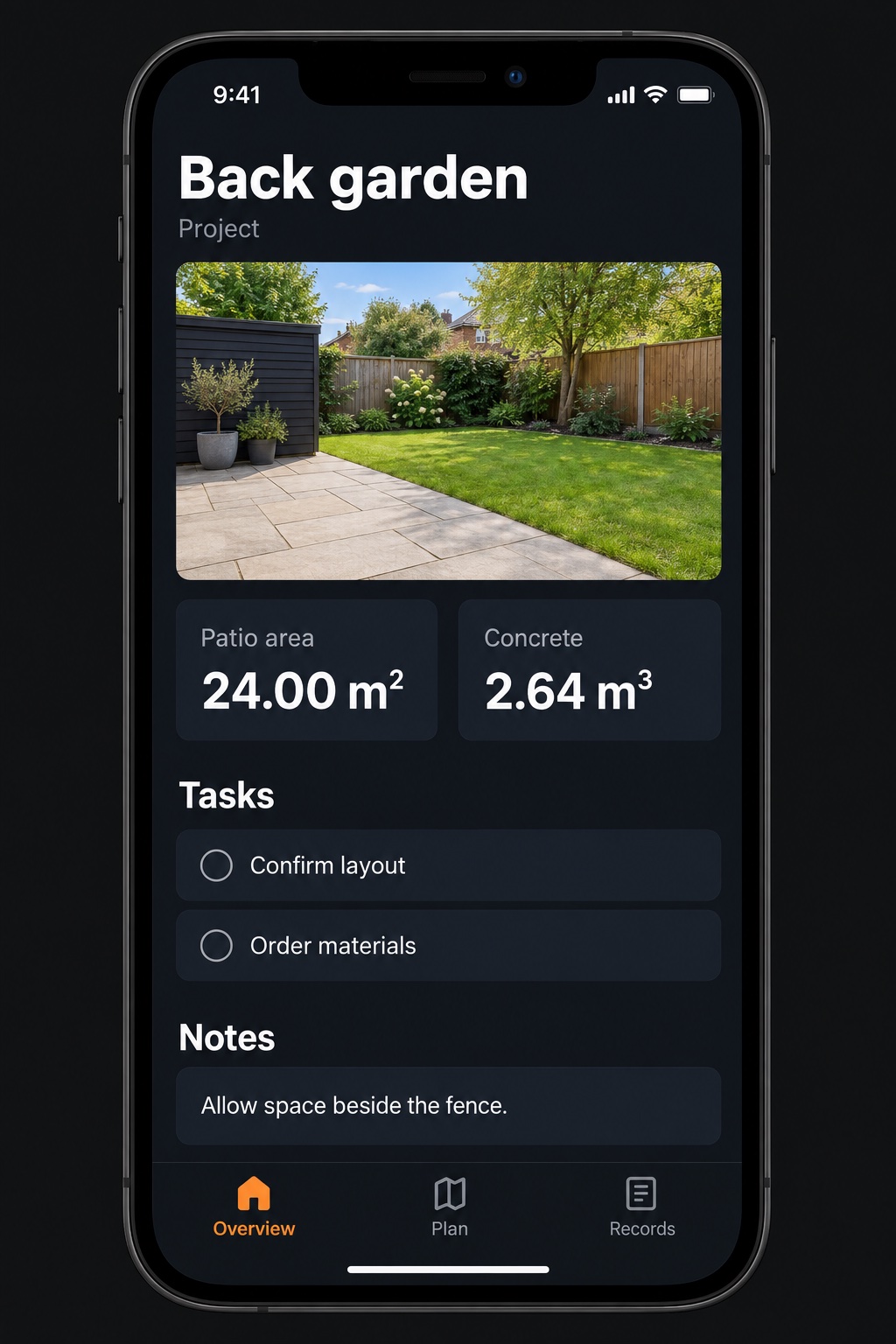
A home for the measurements, photos, notes, tasks and materials that belong to the same job. Your saved records stay on your device, without a Peg It account.
START SIMPLE. GO FURTHER.
Monthly or yearly.
The same Pro features, on your terms.
Your local price and billing period will be shown in the app before purchase.
Pro is planned as a monthly or yearly subscription. Subscriptions renew unless cancelled. Launch availability and local pricing will be confirmed through the App Store. No purchases are taken on this website.